March 6, 2026
Is the M5 Max Worth the Upgrade? Full Specs and More
The M5 Max MacBook Pro represents a significant advancement in professional computing, delivering substantial improvements over its predecessor, the M4 Max. With a focus on enhanced chip architecture, superior GPU performance, and expanded memory bandwidth, this model is designed to meet the needs of professionals tackling resource-intensive tasks such as AI development, 3D rendering, and […]
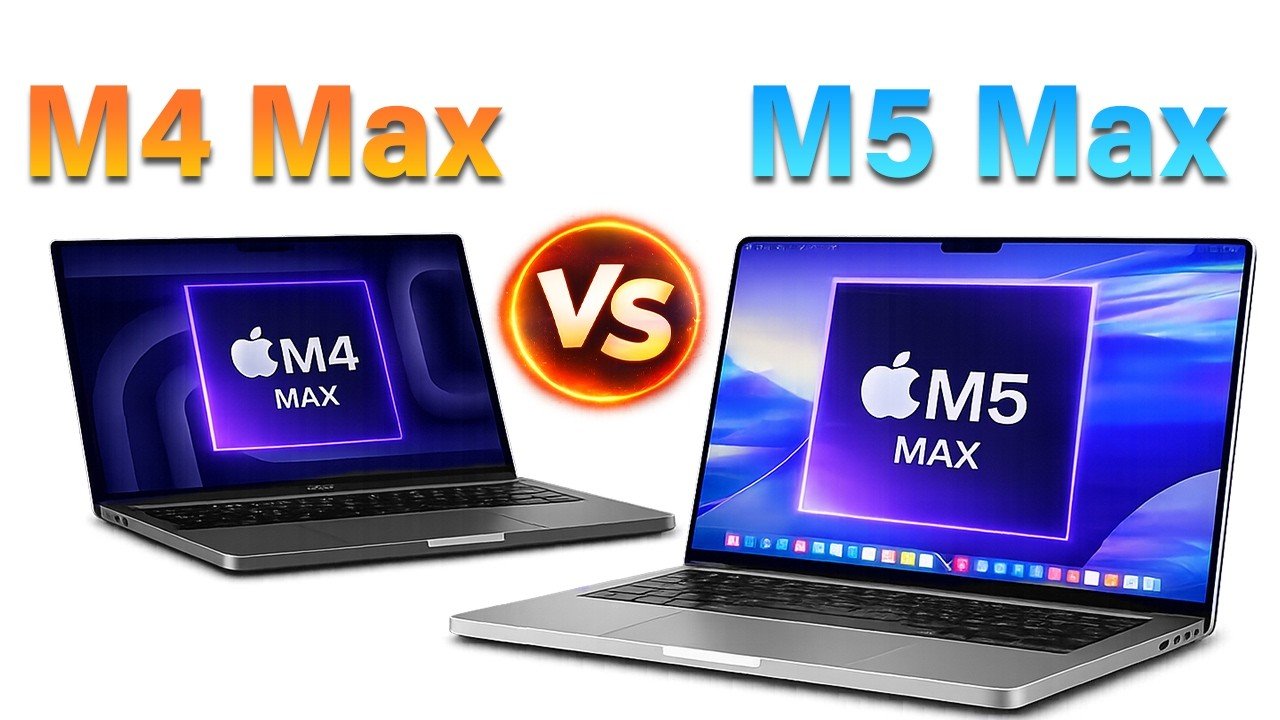
The M5 Max MacBook Pro represents a significant advancement in professional computing, delivering substantial improvements over its predecessor, the M4 Max. With a focus on enhanced chip architecture, superior GPU performance, and expanded memory bandwidth, this model is designed to meet the needs of professionals tackling resource-intensive tasks such as AI development, 3D rendering, and video editing. While the exterior design remains consistent with previous models, the internal upgrades make it a standout choice for power users seeking innovative performance.
At the heart of the M5 Max MacBook Pro lies Apple’s innovative dual-die fusion architecture, a first for its silicon lineup. This advanced design integrates an 18-core CPU, featuring six high-performance “super cores” and twelve efficiency cores. The result is a 15% boost in multi-core performance compared to the M4 Max, alongside record-breaking single-threaded processing speeds. Additionally, the M5 Max delivers quadrupled AI compute power, making it particularly well-suited for machine learning, neural networks and other AI-driven workloads. These advancements ensure that the M5 Max can handle complex computational tasks with ease, setting a new benchmark for professional-grade laptops.
The M5 Max introduces a GPU with 30% faster ray tracing capabilities, a critical enhancement for professionals working in 3D rendering, gaming and visual effects. This improvement allows for more realistic lighting and shadow effects, elevating the quality of visual content. Memory bandwidth has also been increased to an industry-leading 614 Gbps, making sure smooth performance during data-heavy operations such as video editing and scientific simulations. Furthermore, the device supports up to 128GB of unified RAM, allowing seamless multitasking and the handling of complex workflows. These upgrades make the M5 Max an ideal choice for GPU-intensive tasks, offering a significant edge in productivity and efficiency.
The M5 Max retains the sleek and functional design introduced with the 2021 MacBook Pro, available in both 14-inch and 16-inch models. Its Liquid Retina XDR display, powered by Mini-LED technology, delivers exceptional color accuracy and contrast, making it a top choice for content creators. The display also features ProMotion technology, which ensures smooth scrolling and responsiveness, while HDR brightness peaks at 1,600 nits, making it perfect for high-dynamic-range content. Connectivity options include Thunderbolt 5, HDMI 2.1, an SD card slot and MagSafe 3 charging, providing versatile solutions for diverse professional needs. While the design may feel familiar, these features ensure that the M5 Max remains a highly capable and reliable tool for demanding workflows.
Performance Comparison: Is the Upgrade Worth It?
When compared to the M1 Max, the M5 Max delivers up to 2.5 times faster multi-core performance, offering a substantial improvement for users of older models. While the enhancements over the M4 Max are more incremental, they are still significant for professionals requiring the latest in computing power. For users of the M2 Max or M3 Max, the upgrade may not be as essential, as these models already offer robust performance. However, for those still using the M1 Max, the M5 Max represents a substantial leap in capability, making it a worthwhile investment for those seeking to maximize productivity.
The M5 Max MacBook Pro is expected to be the final iteration of this design before Apple transitions to OLED displays in future models. This makes it an attractive option for users seeking peak performance within the current design framework. With pre-orders already available and the official release date set for March 11th, 2026, the M5 Max is poised to become a popular choice among professionals. If your work involves AI development, 3D rendering, or other GPU-intensive tasks, the M5 Max could significantly enhance your productivity. However, for casual users or those with recent MacBook Pro models, the upgrade may not be necessary, as the performance gains are most impactful for demanding workflows.
Disclosure: Some of our articles include affiliate links. If you buy something through one of these links, Geeky Gadgets may earn an affiliate commission. Learn about our Disclosure Policy.…Read more by Roland Hutchinson